About PatternSquare
Free tools that turn your own photo into a pattern you can print and make: a cross stitch chart first, then beads, bricks, blocks and yarn.
Why it exists
Most photo-to-pattern tools ask you to upload your photo, sign up, or pay before you can download the chart. PatternSquare does the whole job in your browser instead. Your photo never leaves your device, there is no account, and the chart is yours to keep.
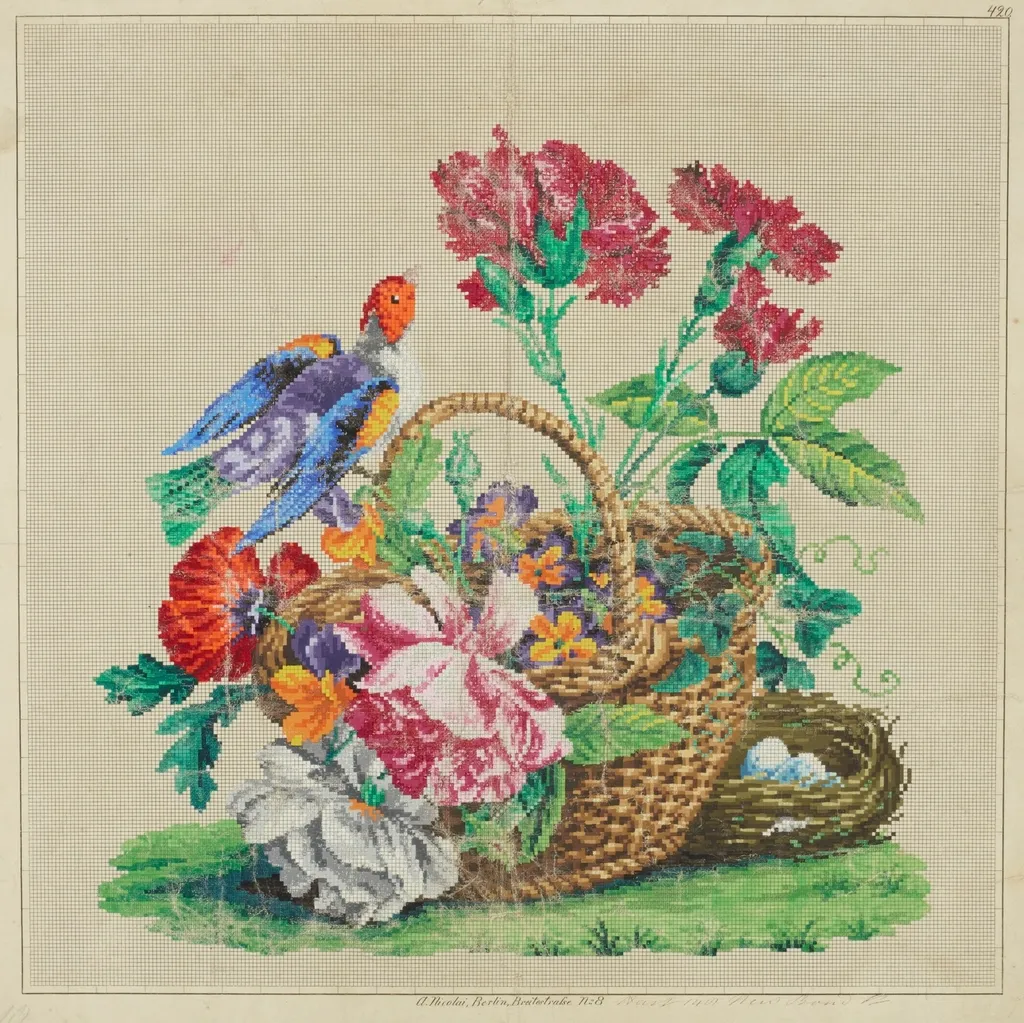
The idea is old. Two hundred years ago, Berlin publishers sold needlework charts painted by hand, square by square, on graph paper. PatternSquare does the same thing for a photo of your cat, your garden or your grandmother.
Who makes it
PatternSquare is built and written by Ritvik Kudalkar, an independent web developer who also makes TouchScreenTester. I write the tools and the guides myself, and fix things based on what people who use them tell me.
How the patterns are made
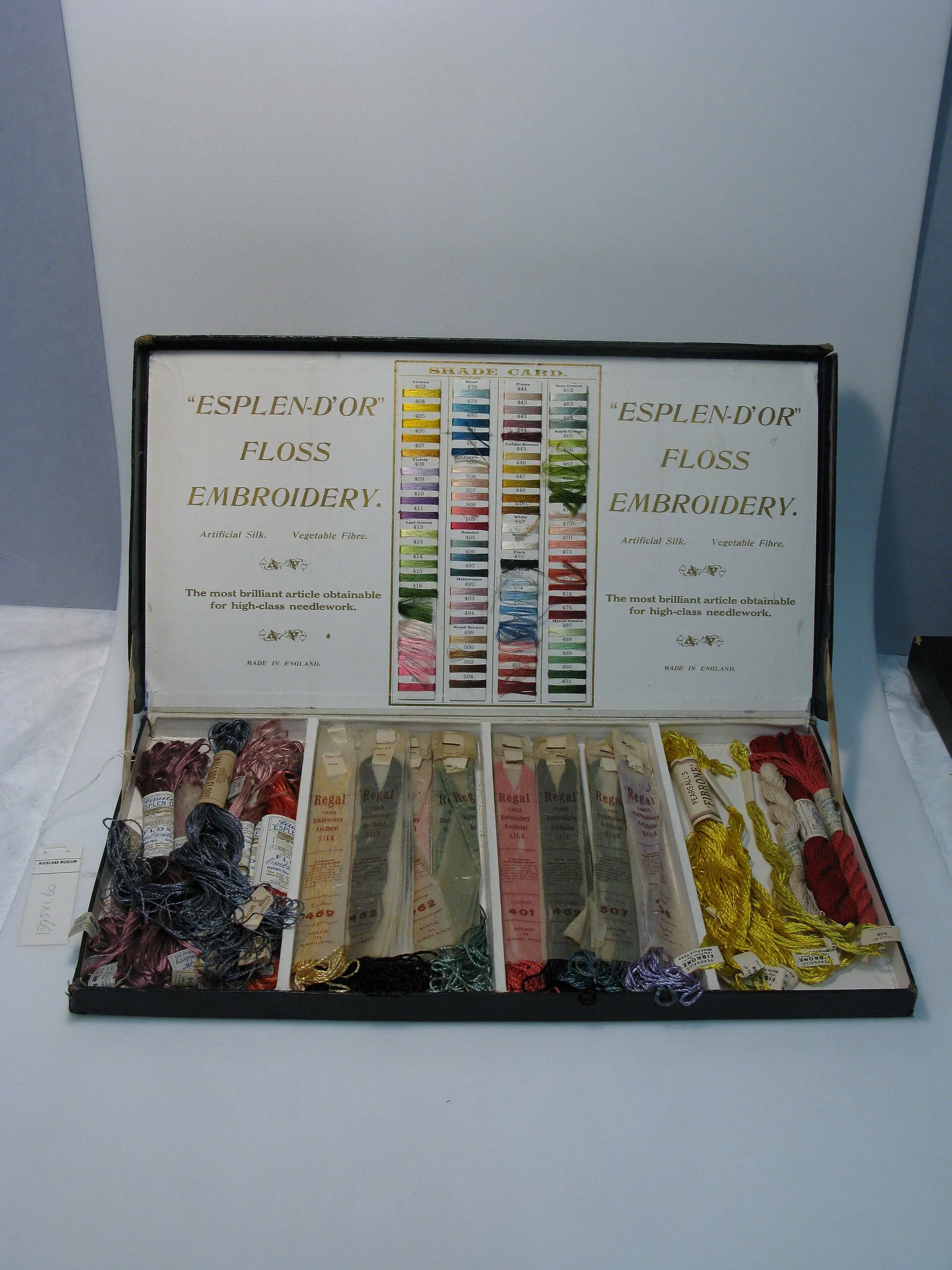
Your photo is shrunk to the size of the chart, one cell per stitch, by averaging the colours in each cell. The colours are then reduced to the number you choose and matched to the nearest real thread by how different they look to the eye, not just by their numbers. Isolated single stitches are tidied away, because nobody wants to stitch a lone stitch in a sea of another colour.
Screen colours and real thread never match exactly, so every page says so, and the materials lists are estimates.
Get in touch
If a chart looks wrong, a thread match seems off or something doesn't work on your device, I'd like to know. Email ritx8877@gmail.com or use the contact page.