How to turn a photo into a cross stitch pattern
In Guides, by Ritvik Kudalkar. Updated 25 October 2026.
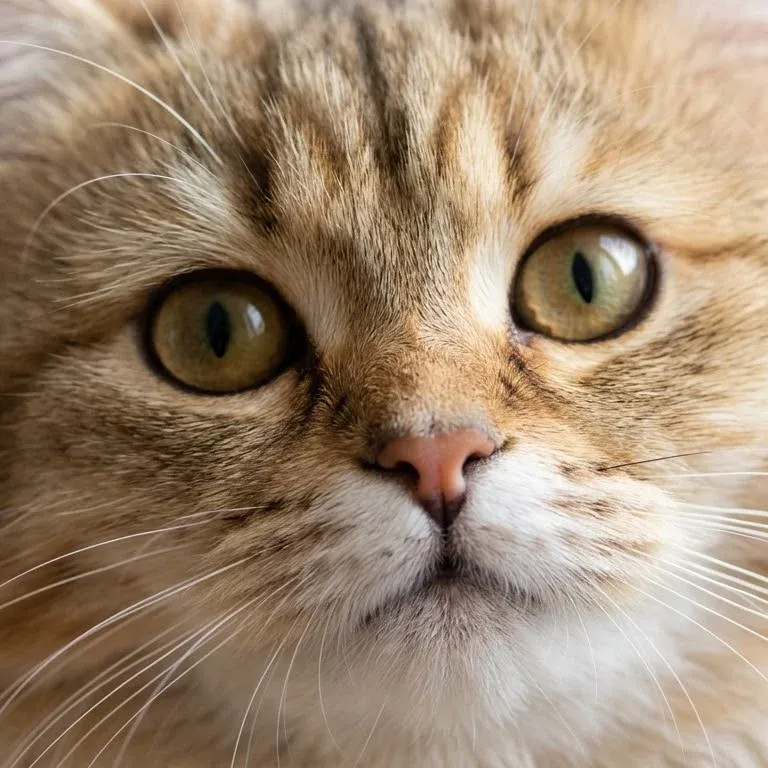
A photo becomes a cross stitch pattern in four moves: shrink it to a grid of squares, reduce its colours to real threads, give each thread a symbol, and print the grid. This guide walks through each step and the choices that make the difference between a chart you love and one you abandon.
1. Choose the right photo
The photo matters more than any setting. A chart has a fixed number of squares, so detail that takes up a few pixels in the photo simply disappears. Look for:
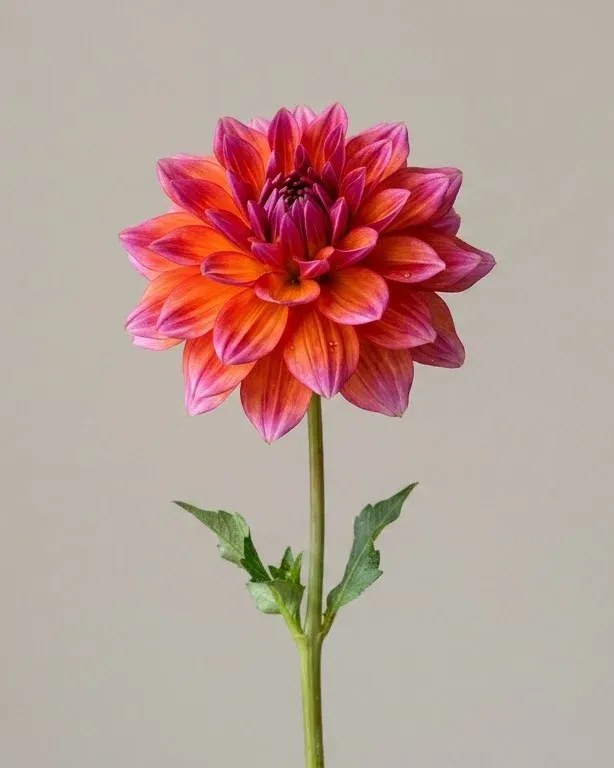
- One clear subject that fills most of the frame. A face, a pet, a single flower, a front door.
- Even daylight. Flash glare and hard shadows turn into blotches of white and black thread.
- A plain background, which you can leave unstitched.
- Contrast between subject and background. A black cat on a black sofa becomes one black shape.
2. Crop before you chart
Crop away everything you won't miss. Every column of background you remove is a column of stitches you don't have to sew, and the squares you keep go to the subject instead. For portraits, crop just above the head and just below the shoulders.
3. Decide the size
Size is set in stitches across, not inches. The finished size depends on the fabric: divide the stitches by the fabric count. A chart 100 stitches wide is about 7.1 inches (18 cm) on 14-count Aida, or 5.6 inches (14 cm) on 18-count.
Width decides how much detail survives. As a rough guide, 50 stitches is enough for a simple motif, 100 for a pet or a flower, and 150 or more for a human face or a landscape. Start smaller than you think: a 100 × 100 chart is already 10,000 stitches.
4. Choose the number of colours
A photo has thousands of colours; a chart can only use the threads you buy. The tool finds the best handful for your photo and matches each one to the nearest DMC thread by how it looks to the eye, not by its numbers on screen.
Between 15 and 30 colours suits most photos. Fewer colours give flat, graphic results that are quick to stitch. More colours keep the shading in faces and fur, but every extra colour is another skein and another thread change. If two threads in the key look almost the same, try one colour fewer.

5. Clean up the chart
Photos create "confetti": single stitches of one colour scattered among another. They barely change the picture but slow you down badly, because every one means starting and ending a thread. Turn on Remove lone stitches to merge them into their neighbours.
Leave dithering (blending colours) off for most charts. It imitates in-between shades by scattering two colours, which looks good from a distance and is tiring to stitch.
If the background is plain, try Leave the background unstitched. The subject then sits on bare fabric, which saves hours and often looks better framed.
6. Check the key
The key lists each thread with its DMC number, name, symbol and how many stitches use it. Point at a thread to see where it goes on the chart. If a colour covers only a few dozen stitches, it's often worth merging it away by lowering the colour count.
Screen colours are never exactly the thread you'll buy. Before you shop, compare the key against a printed DMC colour card if you can, especially for skin tones.
7. Print and start from the centre
Download the PDF and print it on A4 or Letter. Each page holds a block of the chart with row and column numbers, and bold lines every 10 stitches. The black-and-white version shows symbols only and is easier to read under a lamp.
- Cut your fabric with 2–3 inches (5–8 cm) spare on every side for framing.
- Fold it in half both ways and crease lightly. The centre is where the folds cross.
- Find the centre on the chart, marked by the arrows on its edges.
- Stitch outwards from there, one colour at a time, ticking off areas as you finish them.
Starting from the centre keeps the design centred on the fabric, whatever happens to the edges.
Questions
Can any photo become a cross stitch pattern? Technically yes, but photos with one clear subject, even light and a plain background make far better charts than busy, dark or blurry ones.
How long does it take to stitch a photo pattern? Most people stitch somewhere between 50 and 150 full stitches an hour. A 100 × 100 chart has 10,000 stitches, so expect anywhere from 70 to 200 hours.
Do I need special software? No. A free browser tool like PatternSquare does the resizing, colour matching and chart layout for you, and prints to PDF.