Cross stitch pattern maker
Turn any photo into a printable chart with a DMC thread list. Free, private, no sign-up. Your photo stays on this device.
Zoom in with + to read the symbols.
Drop the photo to chart it
What makes a good photo
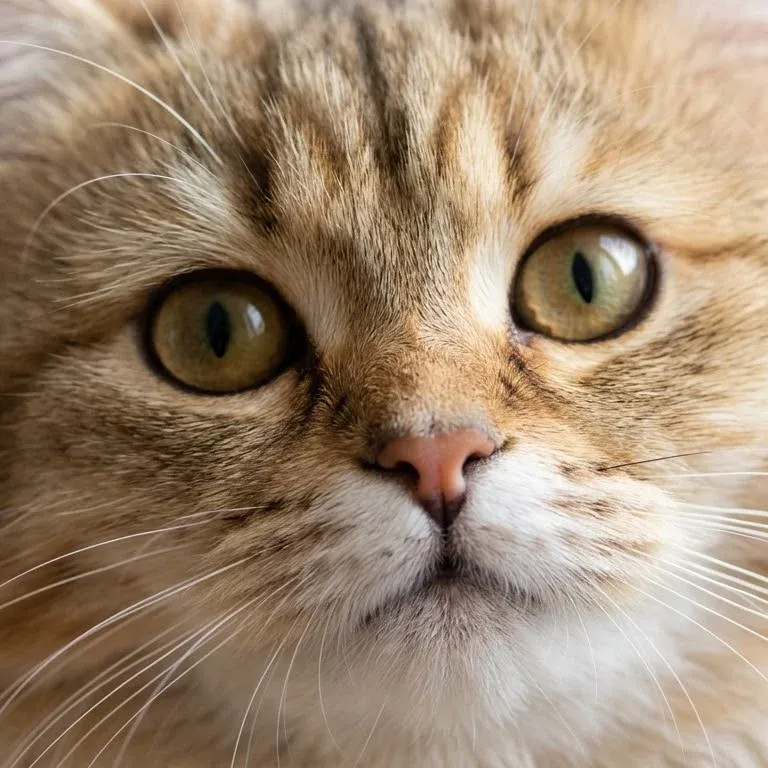
100 stitches, 24 colours
Fur needs more colours than you expect: browns and creams that look alike on screen are different threads. Fill the frame with the face, and the eyes will carry the likeness.
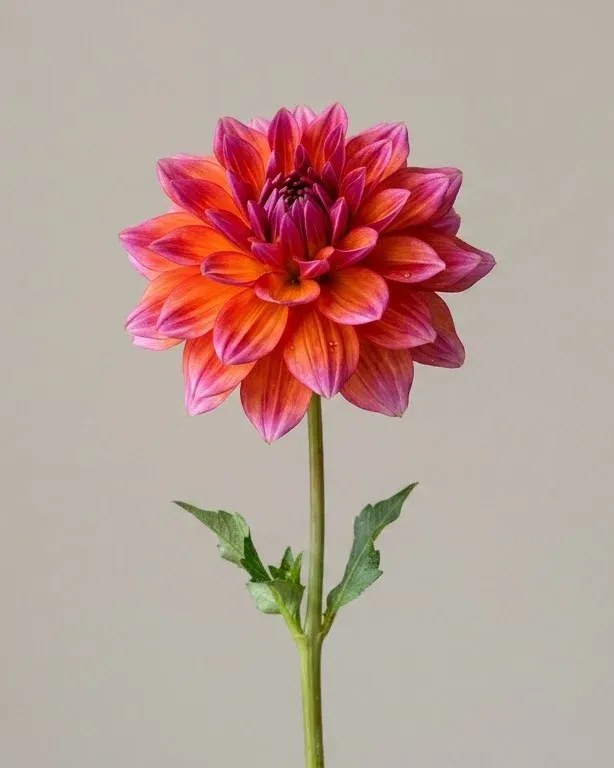
80 stitches, 16 colours, background left unstitched
A single bloom on a plain background is the easiest photo to chart. Leave the background unstitched and the flower sits on bare Aida, which saves hours of filling in grey.
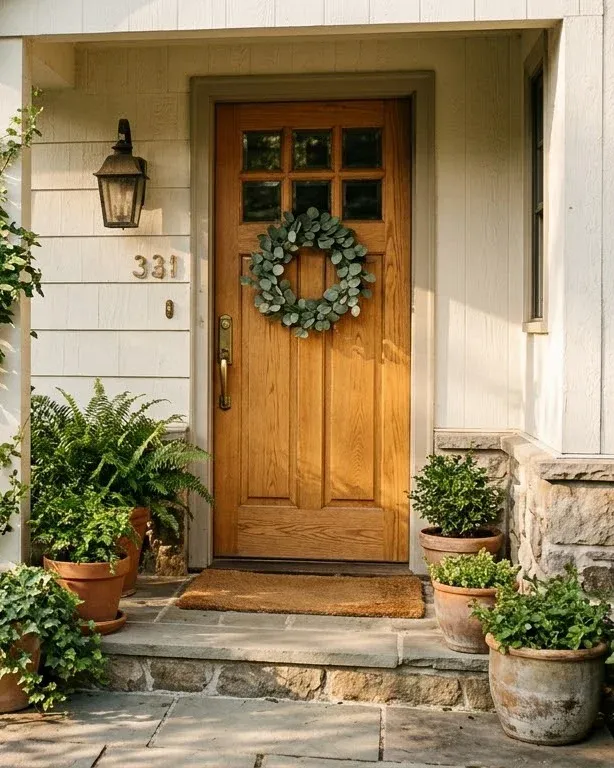
120 stitches, 30 colours
Busy scenes need width. Below about 100 stitches, leaves and brickwork turn to noise. Crop to the part you love, here the door and its wreath, before you chart it.
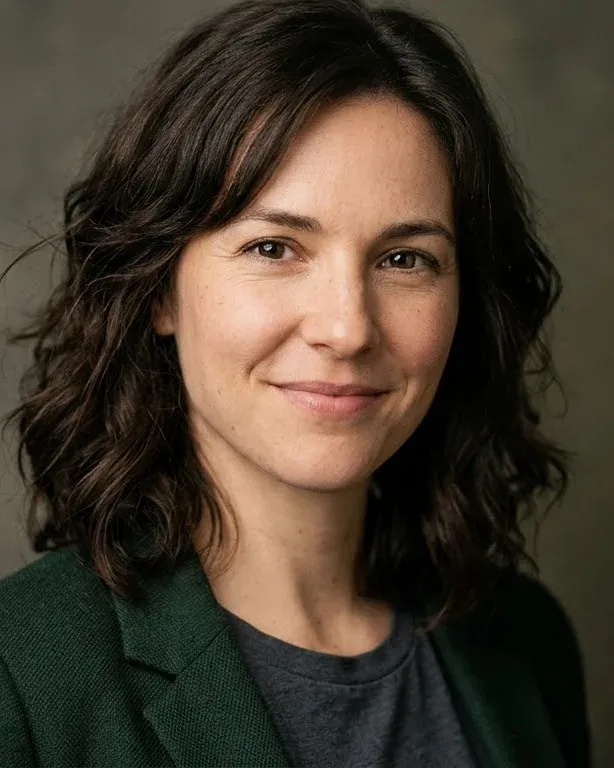
150 stitches, 36 colours
Faces are the hardest subject: small shifts in skin tone matter. Use a well-lit photo, go wide, and raise the contrast a little if the face looks flat.
How to turn a photo into a cross stitch pattern
Choose a photo above or drop one on the chart. The pattern appears in about a second, already matched to DMC threads.
Set the width first: it decides how big the finished piece is and how much detail survives. Then set the number of colours. Fewer colours make a calmer chart that is quicker to stitch; more colours keep shading in faces and fur. Point at any thread in the key to see where it goes on the chart.
When it looks right, download the PDF. It has a cover with a preview, the key with DMC numbers, stitch counts and skein estimates, and the chart split across pages with row and column numbers. Print it on A4 or Letter, in colour or in black-and-white symbols to save ink.
At your desk
Choose a clear photo10 sec
Set the width and colours1 min
Download the PDF chart5 sec
At the shop
Buy the threads on the keyone trip
Buy Aida a little bigger than the chart3 in extra
At the hoop
Fold the fabric in four to find the centre1 min
Stitch outwards from the centre arrowsyour pace
You hold a chart and a thread list2 min
Choosing the size and number of colours
Width and colours pull in opposite directions from your patience. A wider chart keeps more detail but takes longer to stitch; more colours keep subtle shading but mean more skeins and more thread changes. These are good starting points:
| Subject | Width | Colours | On 14-count |
|---|---|---|---|
| Small motif, bookmark or card | 30–60 | 6–12 | 2–4 in |
| Pet portrait | 90–150 | 20–35 | 6.5–11 in |
| Flower or object on a plain background | 70–120 | 12–24 | 5–8.5 in |
| Human portrait | 120–200 | 30–50 | 8.5–14 in |
| Landscape or busy scene | 150–250 | 30–50 | 11–18 in |
Turn on Remove lone stitches (it's on by default): single stitches in a sea of another colour are slow to sew and barely change the picture. Leave Blend colours off unless you want a painterly, speckled look; it scatters colours to imitate shades that aren't in the key.
If one area looks wrong, press Edit above the chart. Paint single stitches with any thread from the key, replace every stitch of one colour with another, or merge a colour you don't want into its closest neighbour.
Tips for photos that make good patterns
- One clear subject. Crop away everything you won't miss. The subject should fill most of the frame.
- Even daylight. Harsh shadows and flash glare become hard-edged blotches of dark and white thread.
- A plain background. It can be left unstitched, which saves hours and makes the subject stand out.
- Strong contrast. A dark cat on a dark sofa will merge into one colour. If the chart looks flat, raise the contrast in More settings.
- Sharp focus where it matters. Eyes in a portrait, petals in a flower. Blur elsewhere is fine.
Printing and reading your chart
Each square on the chart is one full cross stitch, and its symbol tells you the thread from the key. Bold lines mark every 10 stitches so you can count quickly, and the arrows on the edges point to the centre. Fold your fabric in four, crease it lightly, and start stitching from where the creases meet.
Big charts are split across several pages. Each page says which columns and rows it holds and shows a small map of where it sits in the whole chart. The black and white option prints symbols only, which is easier to read under a lamp and much kinder to your ink.
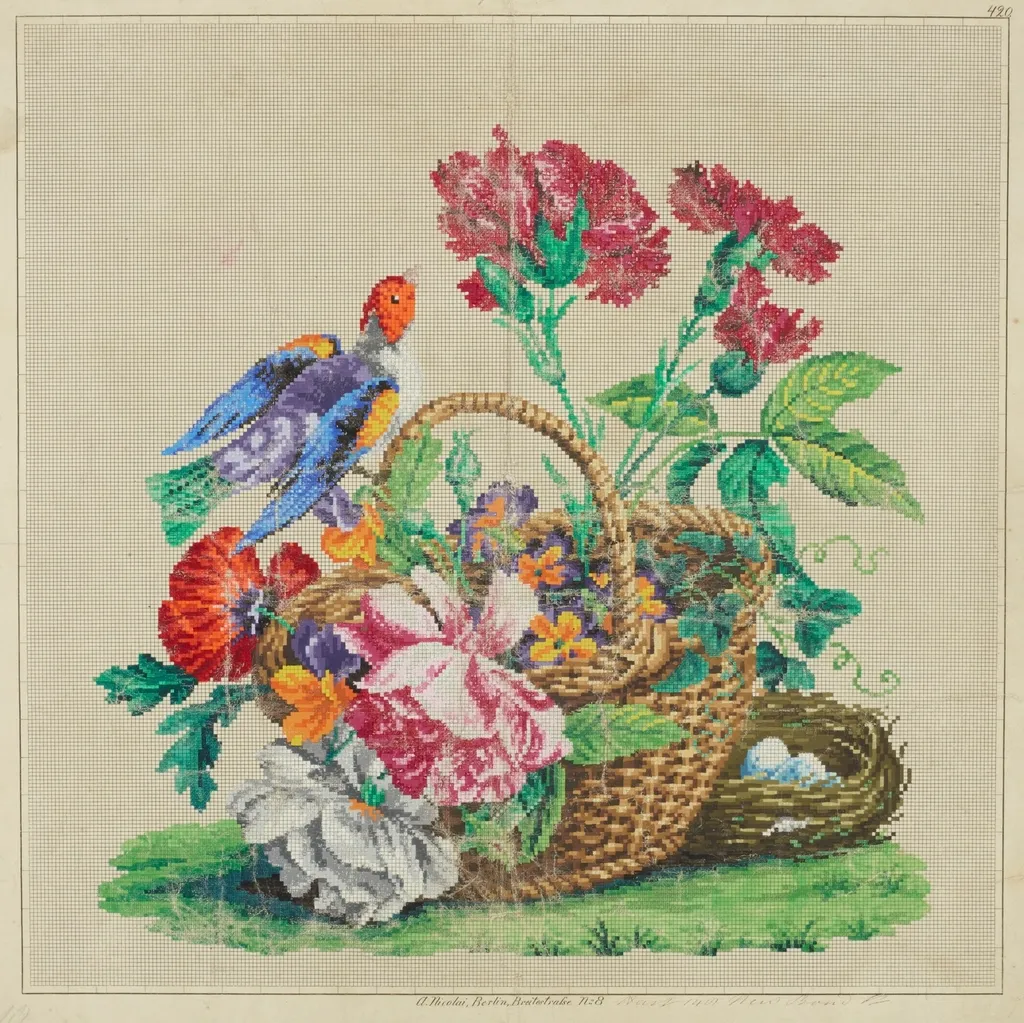
How PatternSquare compares
There are good tools for this already, and the best one depends on what you need. Here is an honest summary, based on how each one generally works; check their sites for current details.
| Tool | Where your photo goes | Cost | Best for |
|---|---|---|---|
| PatternSquare | Stays on your device | Free | A private, quick chart with a thread list |
| Online converters (such as Pic2Pat) | Uploaded to their server | Free | A quick chart when privacy doesn't matter |
| Online editors (such as Stitch Fiddle) | Uploaded; saved to an account | Free, with paid extras | Designing and editing charts in depth |
| Desktop software (such as PCStitch or WinStitch) | Stays on your computer | One-off purchase | Designers who sell patterns |
| Photoshop or GIMP | Stays on your computer | Varies | People who already know them; no thread matching |
Where PatternSquare falls short today: it makes full cross stitches only, with no backstitch outlines or fractional stitches, and it doesn't save charts between visits. If you need those, a dedicated editor is the better choice.
Questions
Is this cross stitch pattern maker free? Yes. There is no sign-up, no trial and no watermark. You can download the PDF chart, the image and the thread list as often as you like.
Are my photos uploaded? No. The pattern is made inside your browser, on your own device. Your photo is never sent to a server, so nobody else can see it.
How many colours should I use? Between 15 and 30 suits most photos. Simple subjects on plain backgrounds need fewer; faces, fur and landscapes need more. Every extra colour is another skein to buy and another thread change.
What size will my finished piece be? Divide the number of stitches by the fabric count. A chart 100 stitches wide is about 7.1 inches (18 cm) on 14-count Aida. The tool shows the finished size as you change the settings.
Can I change single stitches? Yes. Press Edit above the chart, pick a thread in the key and paint on the chart. You can also replace every stitch of one colour, merge a colour into its closest neighbour, and undo.
Can I use Anchor threads? The key lists DMC numbers, the most widely sold thread. Anchor and other brands publish conversion charts from DMC numbers. An Anchor palette may be added later.
Can I sell what I stitch from it? Yes, if the photo is yours. Charts made here belong to you. If the photo was taken by someone else, ask them first.
Guides
- How to turn a photo into a cross stitch patternA step-by-step guide: choosing the photo, cropping, setting size and colours, matching DMC threads and printing a chart you can follow.
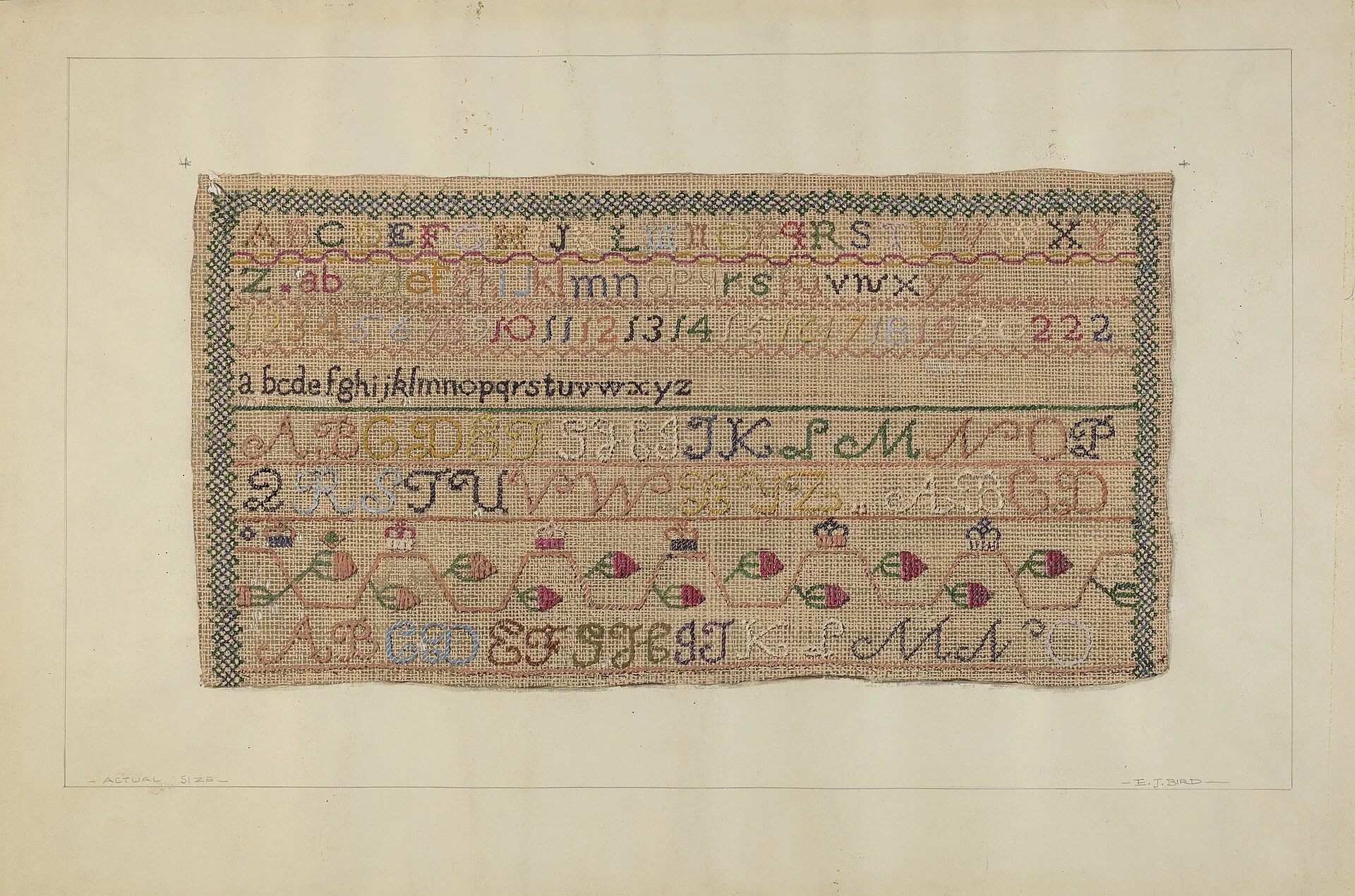 Aida fabric count explained: 11 vs 14 vs 16 vs 18What Aida count means, how it changes the size of your finished piece, and which count, strands and needle to use for each.
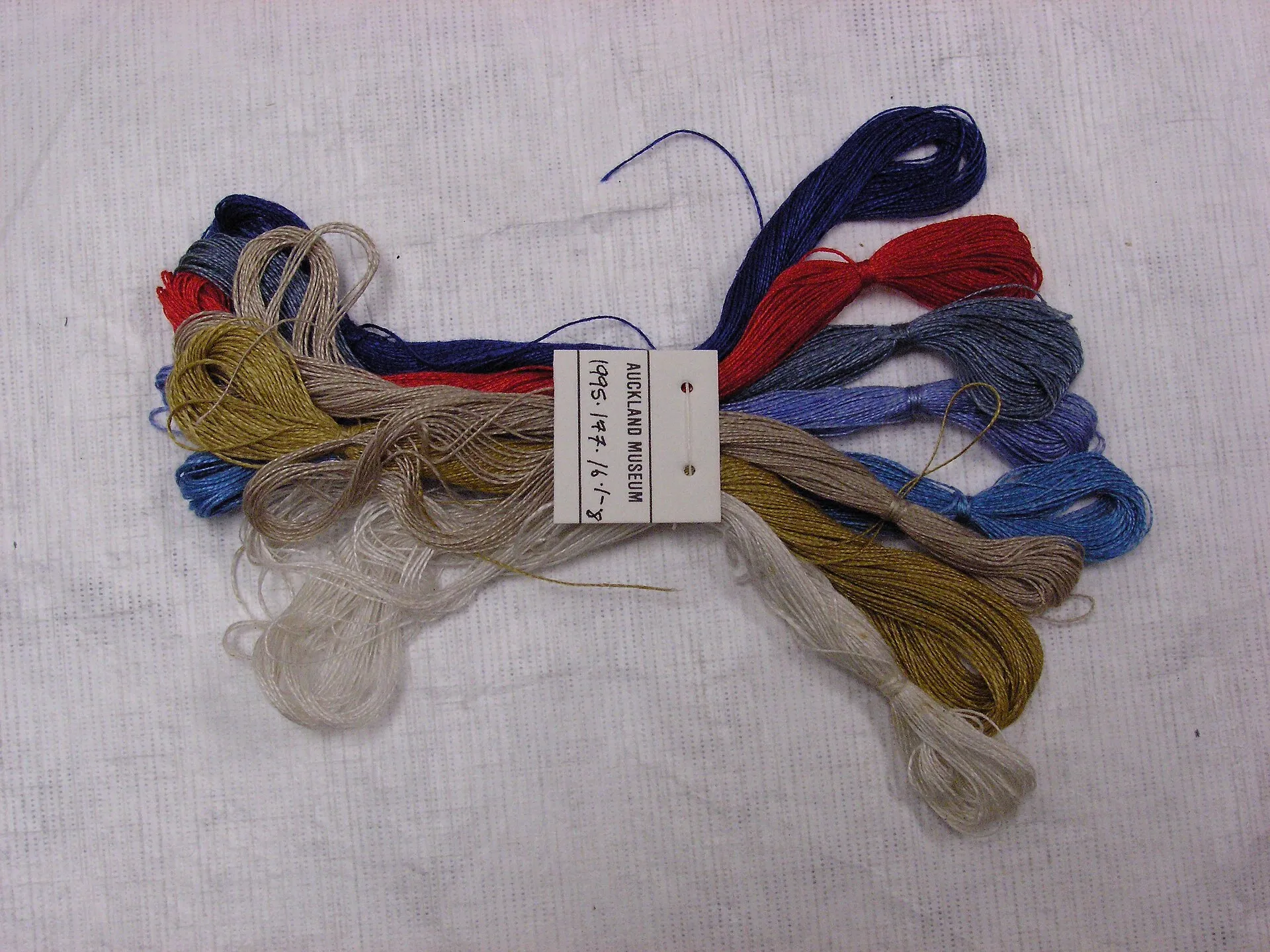 How many DMC skeins do I need?How far one skein of DMC goes on each fabric count, a quick way to estimate thread for any chart, and when to buy extra.
- How to make a cross stitch pattern in PhotoshopTurn a photo into a cross stitch chart in Photoshop with Image Size, Indexed Color and a grid, plus the faster free way with DMC matching.