How to build pixel art in Minecraft
In Guides, by Ritvik Kudalkar. Updated 26 October 2026.
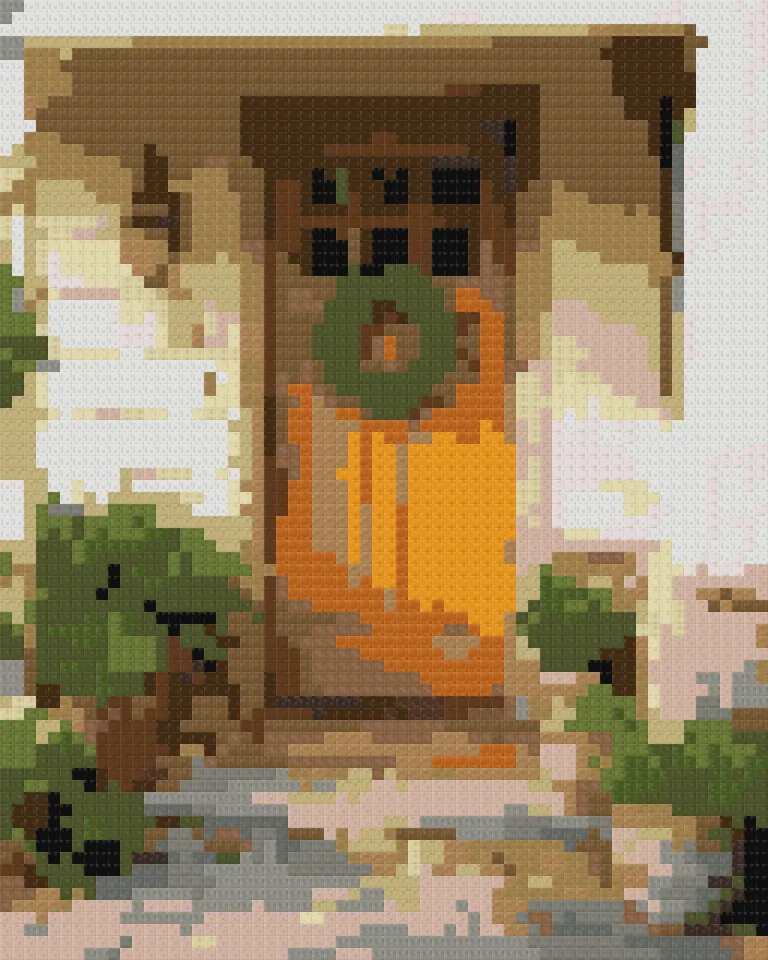
Minecraft pixel art is a picture made of blocks, one block for each pixel. Building one in survival is a project in three parts: plan the picture, gather the blocks, and place them row by row without losing count.
1. Plan the picture
Start with a simple image: a character, a pet, a logo, a flower. Fine detail disappears at block size, and every pixel of background is a block you have to gather.
Decide the size. Width sets the detail and the work: 32 blocks wide is an afternoon, 64 is a weekend, 128 is a long project. The Minecraft pixel art generator turns your image into a block chart and counts every block for you.
2. Choose your blocks
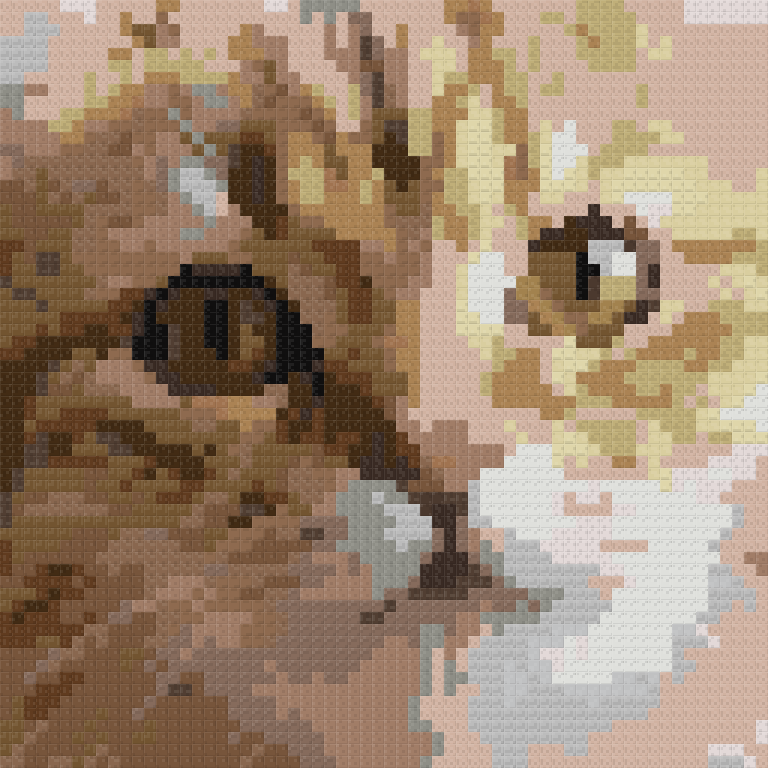
Use full, solid blocks with an even face: wool, concrete, terracotta, planks and stone. Avoid blocks that fall (sand, gravel, concrete powder) in a wall, since they drop when the row below is missing. Leaves and grass change colour with the biome, so they won't match the plan.
- Wool gives 16 bright colours and is easy with a sheep farm and dye.
- Concrete gives 16 flat, clean colours. Craft powder from 4 sand, 4 gravel and a dye, then place it next to water to set it.
- Terracotta gives 17 muted, earthy colours, ideal for skin, wood and shadows. Smelt clay, or mine it in badlands biomes.
Fewer kinds of block means fewer trips. Try lowering the number in the generator until the picture just starts to suffer, then go back up by one or two.
3. Count and gather
Blocks stack in 64s, and a shulker box holds 27 stacks: 1,728 blocks. A 64 × 64 picture needs 4,096 blocks, about two and a half shulker boxes. Download the block list from the generator and tick off each line as you gather it.
- Gather the biggest colours first; they decide whether the project is realistic.
- Label a shulker box or chest per colour, in the order you'll place them.
- Gather 5% extra of the main colours. Misplaced blocks and creepers happen.
4. Build row by row
- Pick a flat spot with room for the full width, plus space to stand back and look.
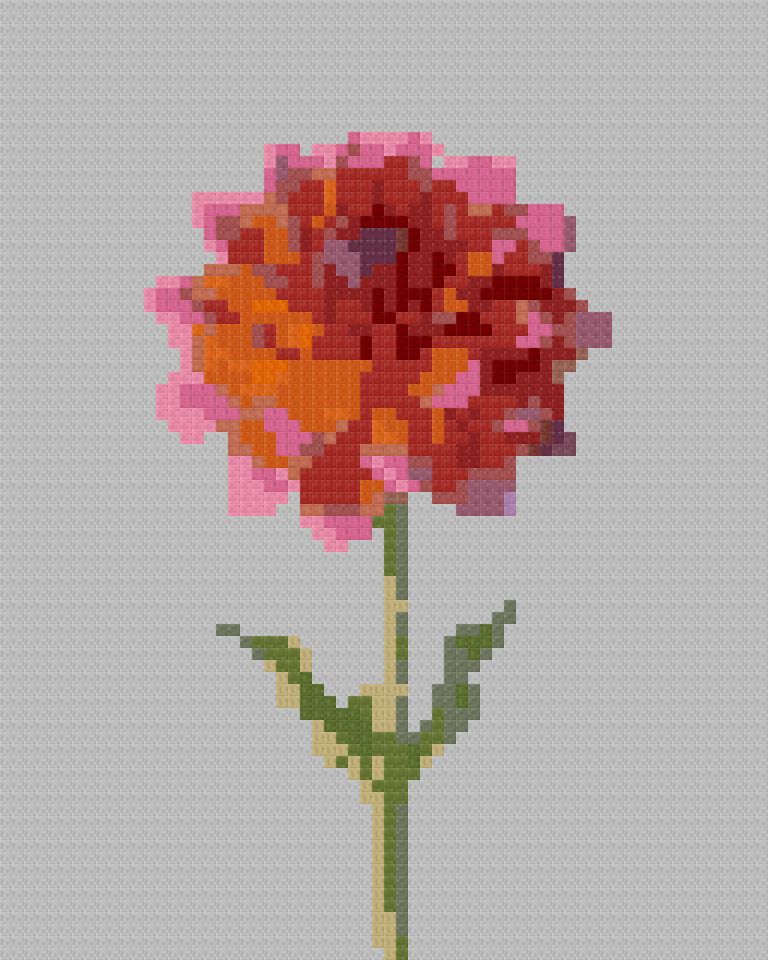
- Lay the bottom row first, left to right, reading it from the generator's row view: it lists each row as runs, like "4 × white wool, 2 × light grey concrete".
- Build up one row at a time. Scaffolding is the quickest way to climb and is easy to remove after.
- Every 10 rows, step back and compare with the chart. Bold lines on the chart every 10 blocks make it easy to check where you are.
For a floor or map art, work in strips of 10 from one corner instead, using the same bold lines to keep your place.
5. Fix and finish
Mistakes are easiest to spot from a distance and in daylight. Fix them by counting from the nearest line of 10, not from the edge. Light the area so mobs don't spawn on or around your build, and add a frame of a dark block to make it stand out.
PatternSquare is unofficial and not affiliated with Mojang or Microsoft. The pictures here are drawn from block colours, not game screenshots.
Questions
How long does a 64 × 64 build take? Gathering 4,096 blocks takes the longest; placing them takes a few hours for most players. Wool and concrete farms make gathering much faster.
Should I build it as a wall or on the ground? A wall is easiest to admire from the ground and to build row by row. A floor suits views from above, and is the way to build map art.
What if I place a wrong block? Count from the nearest bold line on the chart, every 10 blocks, rather than from the edge. Mistakes are easier to spot and fix within a block of 10.